Calendar++ respects your privacy and security.
What is Calendar++?
Calendar++ is a powerful menu bar calendar application for macOS that helps you stay organized and productive. Access your schedule instantly from your Mac's menu bar without opening multiple apps.
The app integrates seamlessly with both your local macOS Calendar and Google Calendar, providing a unified view of all your events in one convenient location. With secure OAuth 2.0 authentication, your Google Calendar data stays private and is never stored on external servers - everything remains on your device.
Built natively for macOS with SwiftUI, Calendar++ supports both menu bar workflow and a larger, desktop-style planning window. You can quickly navigate months, review day details, and manage events from one consistent interface.
Screenshots
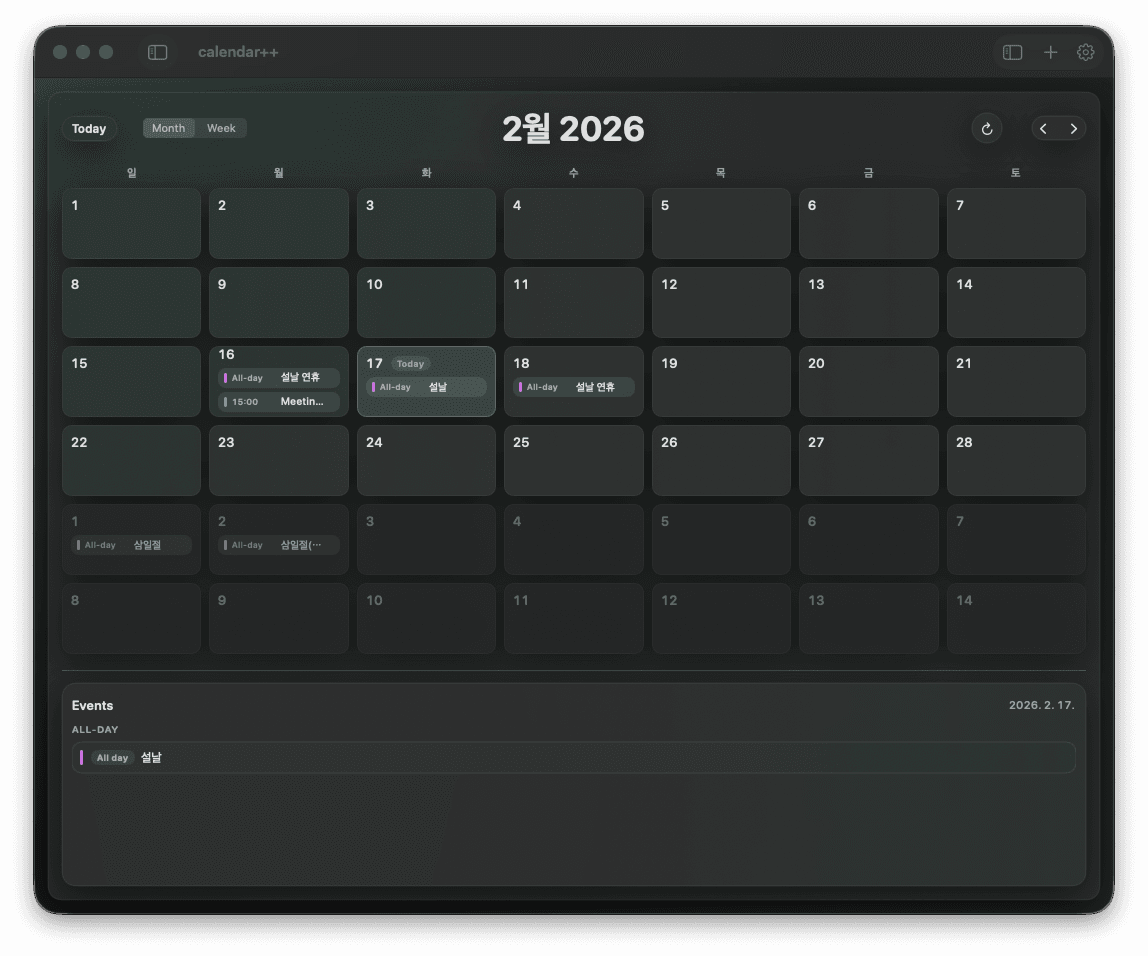
Large-screen monthly view
Use calendar++ as a full productivity app with month grid and integrated event list.

Fast top-bar controls
Today jump, view switch, refresh, navigation, and settings are all reachable in one row.
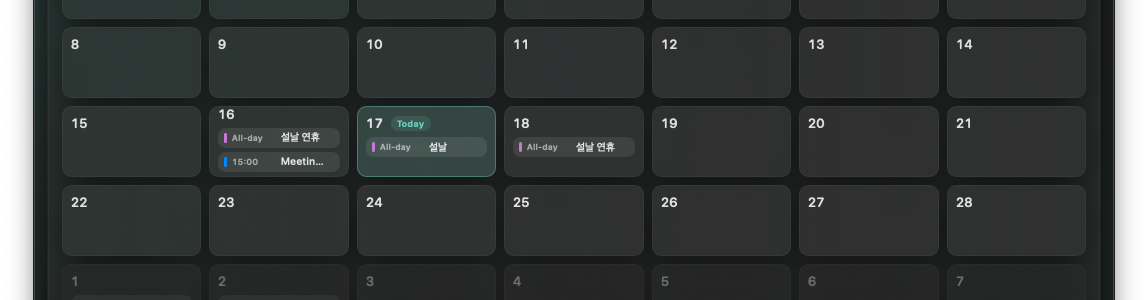
Readable event density
Multiple events are visible inside each day cell with compact chip styling.
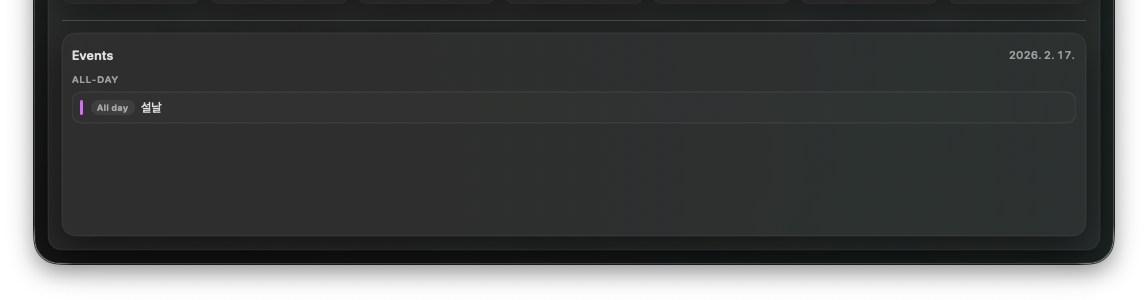
Day-level event panel
Below the month grid, the event panel lists all-day and timed entries clearly.
Features
Smart Calendar Management
View and manage your calendar events directly from the menu bar
Google Calendar Integration
Seamlessly sync with your Google Calendar using OAuth 2.0
Unified Timeline
See all your events from local Calendar app and Google Calendar in one place
Secure & Private
Your credentials are stored securely in macOS Keychain
Beautiful Design
Liquid glass transparency effect for macOS 26 Sequoia
Fast & Lightweight
Native macOS app built with SwiftUI for optimal performance
Installation
Via Homebrew (Recommended)
brew tap DenisKimskku/tap
brew install --cask calendar-plus-plus
Manual Installation
- Download the latest release from the releases page
- Unzip the file
- Move calendar++.app to your Applications folder
- Launch the app and grant calendar permissions
System Requirements
- • macOS 13.0 (Ventura) or later
- • Apple Silicon (M1/M2/M3) or Intel Mac
- • Calendar app permissions (for local events)
- • Google account (optional, for Google Calendar integration)
© 2025 Minseok Kim. All rights reserved.